| .github/workflows | ||
| src | ||
| .gitignore | ||
| Cargo.lock | ||
| Cargo.toml | ||
| demo.gif | ||
| README.md | ||


commit-helper (ch)
A command-line tool to help run commands related to git commit in one go or use an interactive commit message builder.
Installation
Make sure you have Cargo installed, then run the following command in your terminal:
cargo install --git https://github.com/rzmk/commit-helper
Reference
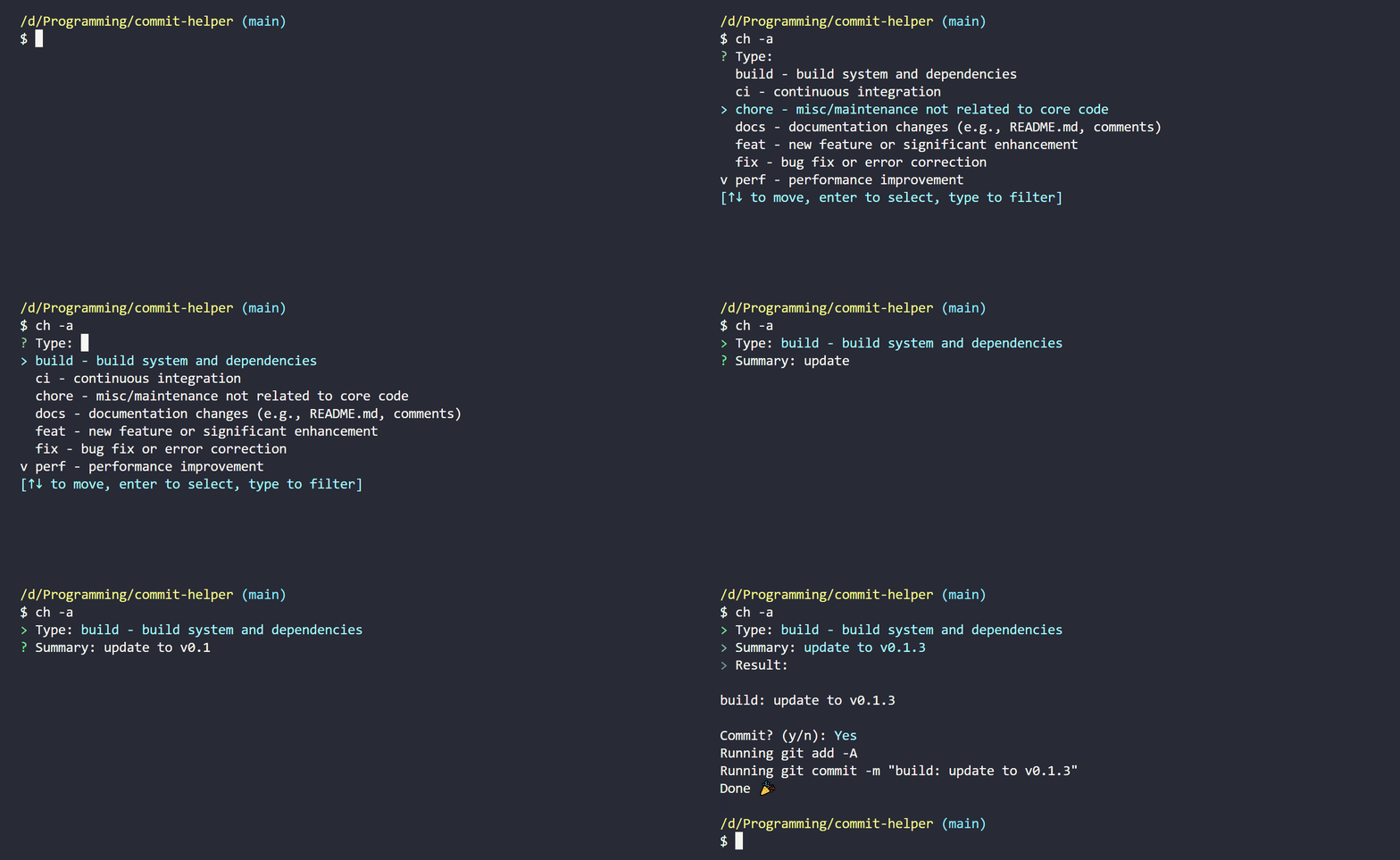
To run the interactive workflow, run ch in your terminal:
ch
--help or -h
To get the help message, run ch --help or ch -h:
ch -h
--add or -a
If you want to run git add -A before committing, use the --add or -a flag:
ch -a
--push or -p
If you want to run git push after committing, use the --push or -p flag:
ch -p
--message or -m
If you want to pass in a custom commit message (therefore skipping the interactive steps), use the --message or -m flag:
ch -m "feat: add new feature"
--clipboard or -c
If you want to copy the commit message to your clipboard and skip committing and pushing:
ch -c
--debug or -d
If you want to see the debug output, use the --debug or -d flag:
ch -d
Note: The debug output will not be printed if you use the
--dry-runflag.
--dry-run
If you want to do a dry run without executing any commands, use the --dry-run flag:
ch --dry-run
--sign or -s
If you want to run the -S flag when using git commit:
ch -s
Example
If I want to run git add -A, then git commit -m "feat: add new feature", then git push all in one go, I could run the following command:
ch -m "feat: add new feature" -a -p
Equivalently to the above command, I may instead combine the short flags:
ch -apm "feat: add new feature"
Note: The order of the combined short flags does not matter, except for the
-mflag, which must be the last flag if you want to pass in a custom commit message after a combination of flags.